Easy Workout Logger
Like pen and paper—but better. Begin workout, pick the exercise, add weight and reps, save - a simple gym log that keeps track of your progress without the setup.



What it is
A notebook works right up until you leave it at home or lose the page you were on. Easy Workout Logger keeps the same simplicity on your phone: begin a workout, select the exercise from the list, add the weight and the repetitions, save. No spreadsheet to maintain, no set-by-set setup - it's like pen and paper, only better.
Start a workout
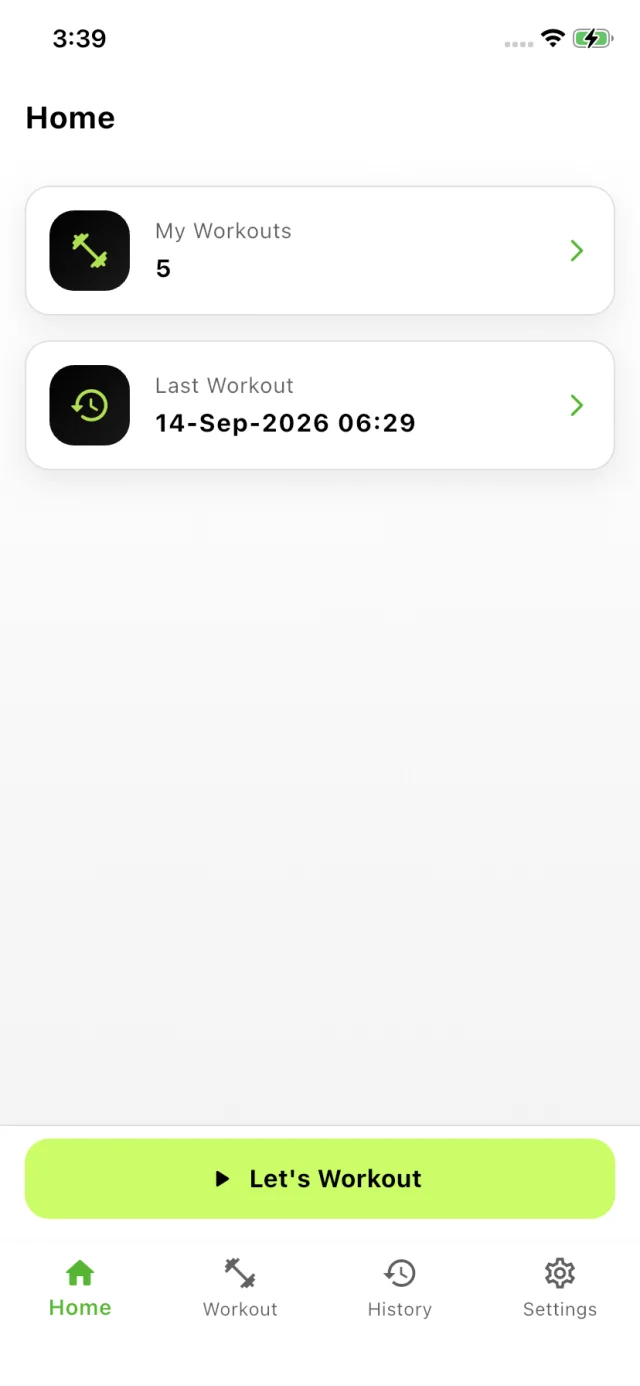
Name the session and start logging. The home screen keeps count of how many workouts you've done and when the last one was.
Log your sets
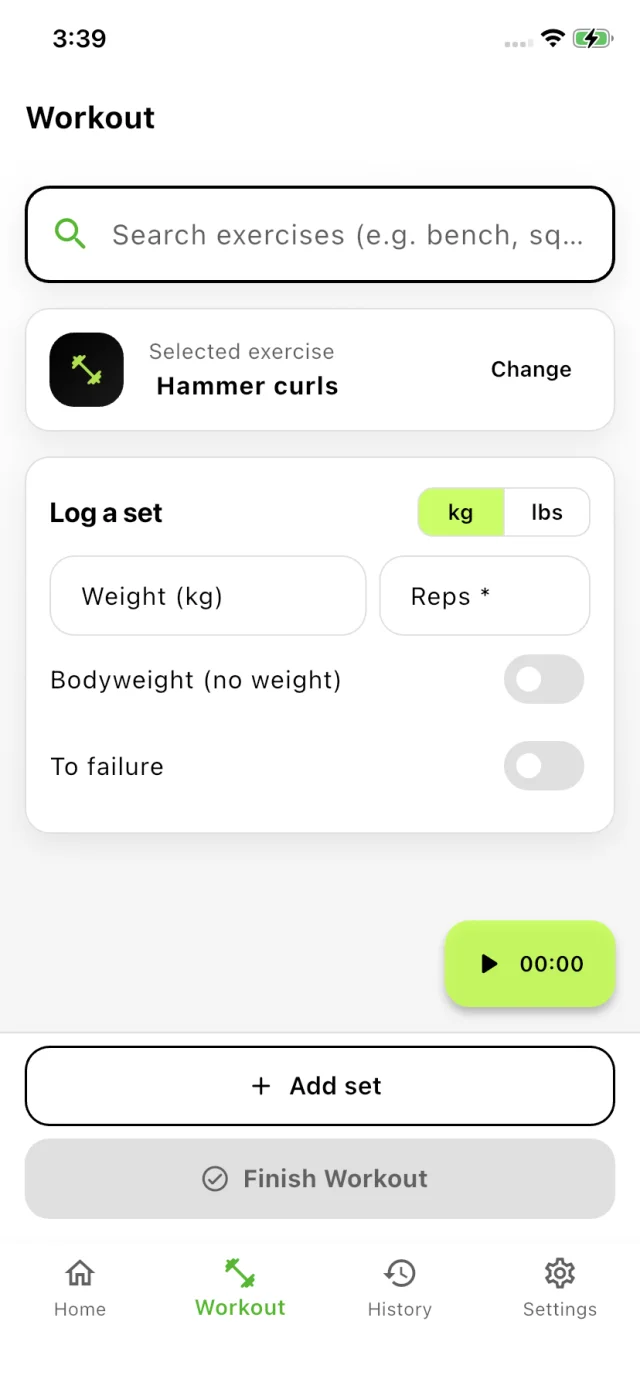
Search the exercise list - bench, squat, curls - add the weight and the reps, then save. Weight is optional: mark a set as bodyweight or to failure instead.
Look back
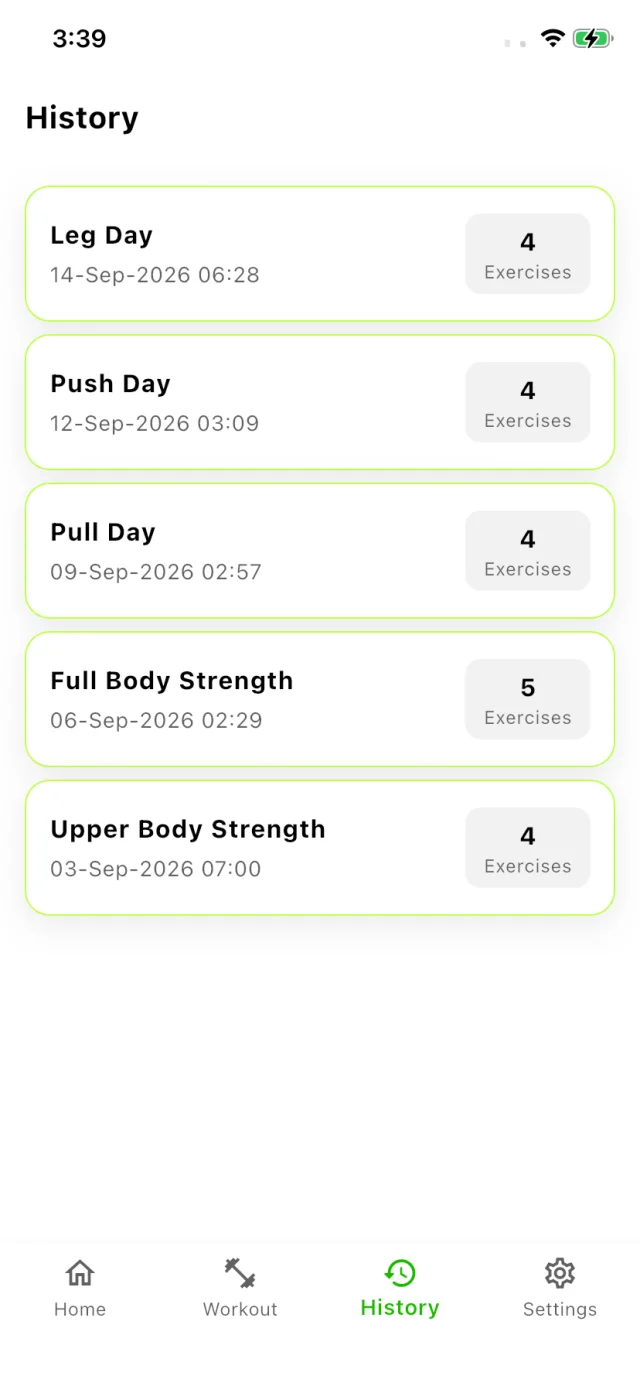
Workouts land in History with their date and exercise count, so you can always see what you did and when you did it.
FAQ
Is Easy Workout Logger free?
Yes, it's free to download and use on iPhone and iPad.
How do I log a workout?
Start a workout, pick the exercise from the list, enter the weight and reps, and save the set. Add as many sets as you like, then finish the workout and it goes straight into your history.
Can I log bodyweight or to-failure sets?
Yes. Weight is optional - mark the set as bodyweight when you're not adding anything, or as to failure when you keep going until you can't.
Does it support pounds as well as kilograms?
Yes. There's a kg / lbs switch right on the logging screen, so you can enter your sets in whichever unit your gym uses.
Is there an Android version?
Not yet. Easy Workout Logger is on the App Store today, and a Google Play release is coming soon.